Bekomm eine E-Mail, wenn Pilot in einem Podcast zu Gast istPodAppear prüft neue Folgen, sobald sie erscheinen, und lässt die weg, in denen Pilot nur erwähnt wird. Bis zu 15 Personen kostenlos, ohne Kreditkarte.Bis zu 15 Personen kostenlos, ohne Kreditkarte.
Pilot kostenlos folgen
PP

Pilot Pete

Zwei Jahre auf Sendung

GastHostErwähnt

Selbst moderierte Folgen

Mo23Nov
Mac Geek Gab — Apple Tips, Tricks, and Troubleshooting

Mac Geek Gab — Apple Tips, Tricks, and TroubleshootingHost

Free Space Out of Nowhere

Kick off Mac Geek Gab 1169 with Quick Tips that keep growing as your three geeks pile on. Turn a screenshot of a flight itinerary into a calendar event with Siri, then find out why Siri and Apple Maps give up in weak-signal spots while Claude and Perplexity answer right away, and why CarPlay always seems to grab the wrong phone. You’ll get more ways to kill your iPhone flashlight (Action Button included), swap a Lock Screen button for Code Scanner, swipe picture-in-picture video out of the way, and check how much of your Photos library is video. You’ll also hear about a listener who learned his Synology NAS by watching an AI fix it, and why you should save a configuration backup. Plus, have your Apple Watch listen for the doorbell or even your name, iMessage someone at their email address (carefully), land on the Control Center page you want by where you lift your finger, and get your Option-key Settings shortcut back on Golden Gate with Keyboard Maestro. Then your questions get answered. Stop Apple Mail from marking your Gmail as read, and squeeze an iPadOS update onto a full 64 GB iPad Air by updating from your Mac’s Finder instead. Find out where 100 GB of free space suddenly came from on a MacBook Air, so you’re not left wondering if you deleted something you need (hint: APFS snapshots and purgeable space). Finally, Adam shares first impressions of Apple’s new HomeView, including its 1.0 rough edges and the killer feature: running his Apple TV entirely by voice. Don’t Get Caught! 00:00:00 Mac Geek Gab 1169 for Monday, November 23rd, 2026 November 23rd: Fibonacci Day MGG Monthly Giveaway The MGG Merch Store is Live! Quick Tips 00:00:01 Siri can turn a screenshot into a calendar event (DJ Mac) 00:04:53 Why don’t Siri and Apple Maps work in weak-signal spots when Claude and Perplexity do? (Dave) 00:10:39 Why does CarPlay always choose the wrong phone? (Pilot Pete) 00:14:46 More ways to turn off your iPhone flashlight, plus customizing Lock Screen buttons (Ben) 00:17:25 Swipe picture-in-picture video out of the way (Daymon) 00:18:04 Low on Mac storage? Check how much of your Photos library is video (Ben) 00:19:24 Let an AI fix your Synology NAS, and learn by watching (Mark) 00:22:38 Make your Apple Watch listen for the doorbell (Steve) 00:25:15 iMessage someone at their email address when you don’t have their number (Ben) 00:28:16 Pick your Control Center page by where you lift your finger (Doug) 00:31:59 Option-F1 as a fast route into Settings, and the Golden Gate fix with Keyboard Maestro (Abhi) Sponsors 00:35:04 SPONSOR: Glean is the context platform for enterprise AI. Every employee can draw on the organization’s best knowledge and ways of working. Visit https://glean.com/mgg to unlock a special offer. 00:36:54 SPONSOR: Housecall Pro. Ready to save time and win more jobs? For a limited time only, our listeners get 50% OFF base plans for their first 3 months at https://housecallpro.com/MGG #ad 00:39:12 SPONSOR: Hostinger. Hostinger builds your vision step by step. Create your website today. Go to https://Hostinger.com/MGG and use code MGG for 10% off now 00:40:52 MGG Review: For all the stuff you forget over time (liuijd) Your Questions Answered 00:41:50 Stop Apple Mail from marking your Gmail as read (Michael) 00:45:14 Free up enough iPad storage to install iPadOS updates (Derek) Bonus tip: Siri built a shortcut that turns on a Focus mode when your iPhone connects to your car’s Bluetooth iMazing 00:55:58 What freed up 100 GB on my MacBook Air? (Mr. Ed) CleanMyMac OnyX Cool Stuff Found 01:01:29 First impressions of Apple’s HomeView (Andrew) 01:16:42 MGG 1169 Outro MGG Monthly Giveaway Bandwidth Provided by CacheFly Pilot Pete’s Aviation Podcast: So There I Was (for Aviation Enthusiasts) The Debut Film Podcast – Adam’s new podcast! Dave’s Business Brain (for Entrepreneurs) and Gig Gab (for Working Musicians) Podcasts MGG Merch is Available! Mac Geek Gab iOS app Mac Geek Gab YouTube Page Mac Geek Gab Live Calendar This Week’s MGG Premium Contributors MGG Apple Podcasts Reviews feedback@macgeekgab.com 224-888-GEEK Active MGG Sponsors and Coupon Codes List BackBeat Media Podcast Network
1 h 19 minAbspielen in:

Mo16Nov
Mac Geek Gab — Apple Tips, Tricks, and Troubleshooting

Mac Geek Gab — Apple Tips, Tricks, and TroubleshootingHost

Stuck in a Drag State

Kick off Mac Geek Gab 1168 with a stack of Quick Tips: watch your place in the hold queue count down right in the Dynamic Island with Hold Assist, put the same app icon on two home screens, and jump straight to your home folder with Shift-Command-H (plus its Go-menu siblings). You’ll squeeze a 30-second long exposure out of your iPhone by triggering it from your Apple Watch, ditch the Write with Siri popover by switching to Siri Classic in Screen Time, collapse every Apple Notes folder with a single Option-click, slip a photo past prying eyes with Invisible Ink, and spot the unsent drafts Messages quietly saves for you. Then your two geeks answer your questions. Find out why some Wi-Fi networks block iCloud Private Relay, stop Siri from reading your whole CarPlay text back before it sends, learn why Mail only offers View as Icon while you’re still composing, and silence Chrome’s default-browser nag with a machine-level policy. You’ll also diagnose a MacBook Pro whose tap-to-click gets stuck in a drag state, wait out a stubborn app offload, and troubleshoot a KVM that shows your Mac mini’s screen but won’t let you control it. Finally, EasyDMG turns installing from a disk image into a single click, and Screen Sharing’s high-performance mode might mean your headless Mac mini doesn’t need an HDMI dummy plug anymore. If yours is plugged in and working, though, leave it there. Don’t Get Caught! 00:00:00 Mac Geek Gab 1168 for Monday, November 16th, 2026 November 16th: International Day For Tolerance MGG Monthly Giveaway The MGG Merch Store is Live! Quick Tips 00:00:01 Hold Assist shows your place in the queue in the Dynamic Island (Steve) 00:04:18 Put the same app icon on two home screens (Jamie) 00:05:24 Shift-Command-H jumps you to your home folder (Pilot Pete) 00:08:22 Trigger your iPhone camera from Apple Watch for a longer exposure (Daymon) 00:10:25 Turn off the Write with Siri popover (Father John) 00:12:42 Collapse all your Apple Notes folders at once (Gene) 00:14:00 Send a photo or text with Invisible Ink in Messages (Pilot Pete) 00:16:13 Messages saves your unsent texts as drafts (Dave) Sponsors 00:18:18 SPONSOR: CleanMyMac. Get Tidy Today! Try 7 days free and use our code MACGEEK for 20% off at https://clnmy.com/MACGEEK 00:19:39 SPONSOR: Shopify. If you’re ready to stop putting off your business and start selling, sign up for your free trial and start selling today at https://Shopify.com/MGG 00:20:56 SPONSOR: Hims is changing men’s healthcare by providing convenient, quality care, 100% online. Start your free online visit today at https://Hims.com/macgeekgab. Your Questions Answered 00:22:25 Why don’t some Wi-Fi networks work with iCloud Private Relay? (Tanel) mask.icloud.com mask-h2.icloud.com 00:26:29 Stop Siri from reading your long texts back in CarPlay (JP) 00:30:33 Why did Mail stop previewing one-page PDFs? (Bill) To skip inline previews for new outbound attachments: defaults write com.apple.mail DisableInlineAttachmentViewing -bool yes 00:33:34 Stop Chrome nagging to be your default browser (Pogo) Discord: forcing a machine-level Chrome policy (thanks, Michael Locks) Velja OpenIn chrome://flags chrome://policy, then search for DefaultBrowserSettingEnabled 00:38:21 Why does tap-to-click keep locking up on my new MacBook Pro? (Paul) Mac Resource Inspector 00:44:35 The new MGG Feedback Management System 00:46:06 Free up storage by offloading an app (Louise) 00:48:10 Why is my remote KVM’s mouse cursor frozen on my Mac mini? (robroy90) NanoKVM-Go from Sipeed KVM Switches Sponsors 00:53:41 SPONSOR: Perplexity Computer. Start your free trial of Perplexity Computer today at https://PPLX.ai/mgg and experience the next phase of AI. #ad 00:55:07 SPONSOR: LeafFilter – Schedule your free inspection today at https://leaffilter.com/mgg. Right now you can get 35% off at https://leaffilter.com/mgg. Cool Stuff Found 00:56:45 Cool Stuff Found Revisited: EasyDMG installs apps from disk images in one click 01:02:57 Does your headless Mac mini still need an HDMI dummy plug? 01:08:53 MGG 1168 Outro MGG Monthly Giveaway Bandwidth Provided by CacheFly Pilot Pete’s Aviation Podcast: So There I Was (for Aviation Enthusiasts) The Debut Film Podcast – Adam’s new podcast! Dave’s Business Brain (for Entrepreneurs) and Gig Gab (for Working Musicians) Podcasts MGG Merch is Available! Mac Geek Gab iOS app Mac Geek Gab YouTube Page Mac Geek Gab Live Calendar This Week’s MGG Premium Contributors MGG Apple Podcasts Reviews feedback@macgeekgab.com 224-888-GEEK Active MGG Sponsors and Coupon Codes List BackBeat Media Podcast Network
1 h 11 minAbspielen in:

Mo12Okt
Mac Geek Gab — Apple Tips, Tricks, and Troubleshooting

Mac Geek Gab — Apple Tips, Tricks, and TroubleshootingHost

Emphatically Kind Requests

Customize your Finder icons for instant recognition, stretch your Apple Watch battery on long workouts with Low Power Mode, and jump months back in your Messages history with a single tap. You’ll also learn how to force macOS 27 to download from Terminal when Software Update won’t show it, and how to run separate Claude Desktop apps for work and home. Then your two geeks and a pilot tackle whether you can migrate to a new iPhone from an iOS beta, whether you need Mail.app running to feed Apple Intelligence, and the one Search setting that might be keeping Siri from your data. The big revelation is that you can now ask Siri why something failed, and she might actually tell you. No yelling required, though an emphatically kind request helps. You’ll get the best ways to connect to your Synology DiskStation without certificate warnings, and find out why Apple Watch battery service may get you a whole new watch, possibly with blood oxygen intact. Cool Stuff Found brings SetShot for tracking macOS settings changes, Marked QL for previewing Markdown in Quick Look, a folding case for iPhone Duo, and news that Apple will replace the Duo’s screen layer when the crease shows up. Press play, ask better questions, and Don’t Get Caught! 00:00:00 Mac Geek Gab 1163 for Monday, October 12th, 2026 October 12th: National Gumbo Day MGG Monthly Giveaway – Win a MGG T-Shirt! The MGG Merch Store is Live! Quick Tips 00:00:01 Customize your macOS Finder icons (Pilot Pete) 00:03:37 Put your Apple Watch in Low Power Mode during long workouts (Jonathan) 00:06:00 Jump to earlier messages quickly (Pilot Pete) 00:09:14 Can’t see macOS 27 in Software Update? Try Terminal (NASANut) List the available full installers: softwareupdate --list-full-installers Download a specific version: softwareupdate --fetch-full-installer --full-installer-version 27.0.1 Dash for macOS 00:16:32 Run multiple Claude Desktop apps for work and home (PorthosJon) Launch a second instance with its own account: open -n -a "Claude" --args --user-data-dir="$HOME/.claude-instances/work" Sponsors 00:20:50 SPONSOR: CleanMyMac. Get Tidy Today! Try 7 days free and use our code MACGEEK for 20% off at https://clnmy.com/MACGEEK 00:22:06 SPONSOR: Proton VPN. Unlike most VPNs, Proton is backed by strong European privacy laws, and, right now, Proton VPN is offering our listeners 70% off a two year plan when you go to https://ProtonVPN.com/MGG Your Questions Answered 00:23:41 Can I migrate to a new iPhone from one running an iOS beta? (Terry) 00:27:48 Are Pete and Dave still getting iPhone Duo? 00:29:14 Should I be running Mail.app to take advantage of Apple Intelligence? (Barry) hybridsearchd high CPU usage is often triggered by Smart Mailboxes using “Entire Message” criteria 00:35:21 Don’t Get Caught: make sure Siri can see your apps’ data (Robb) 00:37:22 Siri can answer tech support questions about your Mac Try asking “Why did that fail?” and it might just tell you! Sponsors 00:45:51 SPONSOR: Shopify. If you’re ready to stop putting off your business and start selling, sign up for your free trial and start selling today at https://Shopify.com/MGG 00:46:58 SPONSOR: Origin is endpoint AI observability. See what a trace looks like at https://originhq.com/macgeekgab More Questions and Tips 00:48:13 How do you connect to your Synology DiskStations? (NASANut) MariusHosting.com 00:55:32 Follow-up to MGG 1161: Apple replaced our Apple Watches when we had the batteries serviced (James) 00:57:35 Follow-up to MGG 1161: Apple Watch warranty replacements might display blood oxygen (Martin) Cool Stuff Found 00:58:48 SetShot tracks macOS Settings changes (Andrew) 01:01:59 Marked QL previews Markdown in Quick Look (also in Setapp) (Allison) Marked 3 01:05:47 Limitless iPhone Duo Case (Terry) 01:10:12 Apple will replace the iPhone Duo’s folding screen layer 01:12:23 MGG 1163 Outro MGG Monthly Giveaway Bandwidth Provided by CacheFly Pilot Pete’s Aviation Podcast: So There I Was (for Aviation Enthusiasts) The Debut Film Podcast – Adam’s new podcast! Dave’s Business Brain (for Entrepreneurs) and Gig Gab (for Working Musicians) Podcasts MGG Merch is Available! Mac Geek Gab iOS app Mac Geek Gab YouTube Page Mac Geek Gab Live Calendar This Week’s MGG Premium Contributors MGG Apple Podcasts Reviews feedback@macgeekgab.com 224-888-GEEK Active MGG Sponsors and Coupon Codes List BackBeat Media Podcast Network

1 h 18 minAbspielen in:

Mo28Sep
Mac Geek Gab — Apple Tips, Tricks, and Troubleshooting

Mac Geek Gab — Apple Tips, Tricks, and TroubleshootingHost

Naked In Public

Kick off Mac Geek Gab 1161 with a round of Quick Tips: flip through browser tabs with Command-Shift-[ and ], kill your iPhone flashlight with one tap, and learn iOS 27’s new swipe-down layout, where notifications, Siri, and Control Center each get their own corner. You’ll also bring CarPlay widgets back into your life, compare the apps on all your Macs with one Terminal command (and a little AI help), and find the Identity Documents collection hiding in iOS 27 Photos. Then Don’t Get Caught by SIM protection blocking your new iPhone setup, a watch battery “replacement” that quietly swaps your Apple Watch and takes blood oxygen readings with it, or a GPS-only Apple Watch that can’t call for help when you need it most. Next, your two geeks and a pilot figure out why iCloud Drive won’t keep your files local, share how they juggle iCloud, Dropbox, Google Drive, and Synology Drive, and help a caregiver limit an iPhone’s outgoing calls to a trusted few. You’ll get the right way to speed test your internet from your router, a fix for Siri AI that won’t leave, and an update on hybridsearchd eating your Mac’s CPU in macOS 27. Stick around for Cool Stuff Found, where Adam finally ends years of naked-iPhone with a screen protector (and a dose of shame) that goes on perfectly every time. Press play and get your answers before your gear gets you! 00:00:00 Mac Geek Gab 1161 for Monday, September 28th, 2026 September 28th: National Family Day MGG Monthly Giveaway – Win a license to SuperDuper! 4 The MGG Merch Store is Live! Quick Tips 00:00:01 Follow-up to MGG 1160: Command-Shift-[ and ] switch between browser tabs (Todd) 00:04:45 Turn off the iPhone flashlight with a quick tap of the icon (Martin) 00:07:37 iOS 27 swipe-down has a third option now (Dr. Dream) 00:08:47 Use CarPlay widgets again in iOS 27 (Andrew) 00:13:08 Compare the apps on all your Macs (Andrew) Save a list of your installed apps: ls /Applications > ~/Desktop/apps-list.txt 00:17:51 iOS 27 Photos has an Identity Documents collection (Manhattan Glen) 00:21:50 Genius Scan to scan documents Sponsors 00:23:38 SPONSOR: Hostinger. Hostinger builds your vision step by step. Create your website today. Go to https://Hostinger.com/MGG and use code MGG for 10% off now 00:25:01 SPONSOR: BBEdit, the power tool for text from Bare Bones Software at https://barebones.com … now with integrated Notebooks and extended language support. Don’t Get Caught 00:26:14 Disable SIM Lock before transferring to your new iPhone (Bill) 00:28:27 Follow-up to MGG 1159: replacing the battery might replace your Apple Watch and lose features (Brian) 00:34:42 Think carefully before buying a GPS-only Apple Watch (Doug) Your Questions Answered 00:35:47 Why is iCloud Drive not syncing all of my files? (Joe) Cirrus & Bailiff from Eclectic Light Dropbox OneDrive Google Drive Synology Drive Resilio Sync 00:45:38 How do I limit an iPhone’s outgoing calls to only certain people? (HiFiGMan) Sponsors 00:55:52 SPONSOR: Origin is endpoint AI observability. See what a trace looks like at https://originhq.com/macgeekgab 00:57:18 SPONSOR: Private Internet Access VPN – Save 82% off your VPN service PLUS four free months with a two-year plan at https://PIAVPN.com/mgg. Follow-Ups 00:58:40 Follow-up to MGG 1160: use your router’s speed test app (Andrew) Netgear Orbi Eero UniFi Cloud Gateway Max 01:01:19 Siri AI hangs around too long (Larry) 01:04:50 More about hybridsearchd CPU usage in macOS 27 Cool Stuff Found 01:10:00 Spigen GLAS.tR EZ Fit screen protector (ATC) AILUN iPhone Screen Protectors 01:21:18 MGG 1161 Outro MGG Monthly Giveaway Bandwidth Provided by CacheFly Pilot Pete’s Aviation Podcast: So There I Was (for Aviation Enthusiasts) The Debut Film Podcast – Adam’s new podcast! Dave’s Business Brain (for Entrepreneurs) and Gig Gab (for Working Musicians) Podcasts MGG Merch is Available! Mac Geek Gab iOS app Mac Geek Gab YouTube Page Mac Geek Gab Live Calendar This Week’s MGG Premium Contributors MGG Apple Podcasts Reviews feedback@macgeekgab.com 224-888-GEEK Active MGG Sponsors and Coupon Codes List BackBeat Media Podcast Network
1 h 23 minAbspielen in:

Mo7Sep
Mac Geek Gab — Apple Tips, Tricks, and Troubleshooting

Mac Geek Gab — Apple Tips, Tricks, and TroubleshootingHost

Maybe It's "S-Bot"

Start Mac Geek Gab 1158 with Quick Tips you’ll actually use: trigger your iPhone’s camera from your Apple Watch, pull a full-quality photo out of any video in iOS 27, and find out why hybridsearchd is quietly eating your CPU in macOS Golden Gate. You’ll also get the right way to set up Homebrew on a brand-new Mac, meet mackup for keeping your settings in sync across every Mac you own, and watch Siri AI turn a business card into a contact without you typing a thing. Then your two favorite geeks and pilot dig into your questions: how much RAM is actually enough, how iOS call screening and spam filtering really behave, which outdoor cameras earn their keep, and how to reconnect to that remote NAS that keeps ghosting you. You’ll finally learn whether you can delete someone from a group text, get the early word on Sonos 27, and settle the great “how do we even say Siri AI?” debate in a lightning round that lands on S.A.I., S-Lady, Papaya, and — maybe — S-Bot. Press play, get the answers before your gear gets you, and whatever you do, Don’t Get Caught! 00:00:00 Mac Geek Gab 1158 for Monday, September 7th, 2026 – https://mgg.fm/1158 September 7th: National Beer Lovers Day MGG Monthly Giveaway – Win a license to SuperDuper! 4 The MGG Merch Store is Live! Quick Tips 00:00:01 Todd-QT-Use your Apple Watch Camera Remote 00:03:40 Pilot Pete-QT-Save Video Still as Full Quality Photo iOS 27 00:06:10 hybridsearchd in macOS Golden Gate using CPU 00:10:15 Pensacola Craig-Nuke & Dave: using Homebrew on a new Mac 00:11:40 mackup to copy your settings and keep them in sync between your Macs 00:12:40 Dom Bettinelli-Create a new contact from business card with Siri AI MGG Reviews at https://macgeekgab.com/review 00:15:07 iGuy1984-MGG Review-Fantastic 00:18:22 TaiPai59-MGG Review-Great show!! Sponsors 00:19:28 SPONSOR: Gusto. Get three months free when you run your first payroll when you start at https://gusto.com/MGG 00:20:43 SPONSOR: OneSkin. Born from over a decade of longevity research, OneSkin’s OS-01 Peptide is proven to target the visible signs of aging, helping you unlock your healthiest skin now and as you age. Get 15% off OneSkin with the code MGG at https://www.oneskin.co/MGG  #oneskinpod #ad Your Questions Answered – feedback@macgeekgab.com 00:22:00 Dan-How much RAM is enough? 00:38:10 Mark-Call Screening options and behavior in iOS Settings > Apps > Phone > Call Filtering > Spam 00:45:50 Mike-Which outdoor cameras do you use? Eufy Security Cameras Thermacell LIV 00:56:29 Peer Timo-How can I re-connect to my remote NAS? 01:04:15 Ericka-Can you delete someone from a group text? 01:11:57 Sonos 27mcp in Early Access How to Say Siri AI – The Lightning Round 01:16:33 Bill-1157-Maybe it’s just SAI 01:17:25 Dan-I think S-Lady is the right answer! 01:19:00 Simon-1157–Maybe Just Notch out The Siri Frequencies? 01:20:26 Ben-1157-Papaya! 01:21:09 Adam-1157-Another way to say Siri 01:22:47 Shree AI? …or maybe it’s S-Bot! 01:23:44 MGG 1158 Outtro MGG Monthly Giveaway Bandwidth Provided by CacheFly Pilot Pete’s Aviation Podcast: So There I Was (for Aviation Enthusiasts) The Debut Film Podcast – Adam’s new podcast! Dave’s Business Brain (for Entrepreneurs) and Gig Gab (for Working Musicians) Podcasts MGG Merch is Available! Mac Geek Gab iOS app Mac Geek Gab YouTube Page Mac Geek Gab Live Calendar This Week’s MGG Premium Contributors MGG Apple Podcasts Reviews feedback@macgeekgab.com 224-888-GEEK Active MGG Sponsors and Coupon Codes List BackBeat Media Podcast Network
1 h 27 minAbspielen in:

Warum PodAppear

Folge Menschen, nicht Podcasts.

Du hast Pilot in einer Sendung gehört. PodAppear findet für dich die nächste, und genauso für alle anderen, die du hören willst.

  • Eine Meldung, wenn die Person zu Gast istPer E-Mail: sofort oder gebündelt als Tages- oder Wochenübersicht. Dann nur noch auf Play drücken.
  • Gäste statt bloßer ErwähnungenFolgen, in denen ein Name nur fällt, landen getrennt. Eine Meldung heißt: Die Person ist wirklich in der Sendung.
  • Alle in einem FeedGründerinnen, Autoren, Sportler, Forscherinnen. Folge allen mit Namen, quer durch jede Sendung, in der sie auftreten.

Bis zu 15 Personen kostenlos, ohne Kreditkarte.

Mo31Aug
Mac Geek Gab — Apple Tips, Tricks, and Troubleshooting

Mac Geek Gab — Apple Tips, Tricks, and TroubleshootingHost

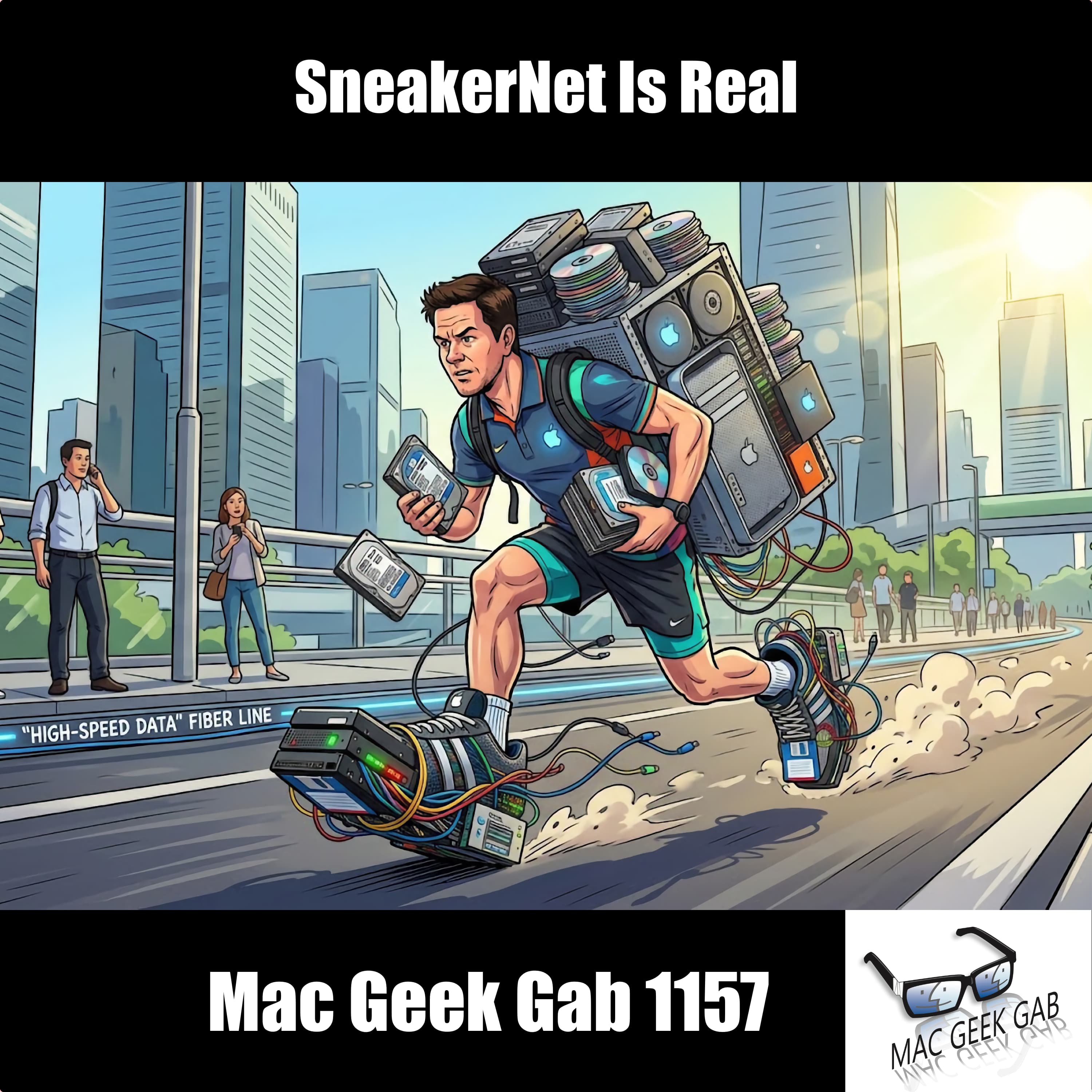
SneakerNet Is Real

Kick off Mac Geek Gab 1157 with a rapid-fire round of Quick Tips: find the new Siri option hiding in your Camera app, tame Archive Utility’s settings to streamline your workflow, and turn your scanner and printer into a DIY copier over FTP. You’ll also learn where macOS quietly stashes your FileVault recovery key (hint: check Passwords) and how to wrangle your files so AI can actually help you, including a listener who let AI sort an entire TV library and another who put Claude Cowork to work as his personal Mac updater. Then it’s time for Apple’s big hardware drop: the M6 and M5 Ultra arrive in a new Mac mini and Mac Studio, with 2.5-gig Ethernet as the buried lede. Your two geeks and a pilot break down what’s worth your money, tackle Apple’s storage pricing problem with Thunderbolt and USB alternatives that won’t drain your wallet, and answer whether you can move your home folder to an external drive to dodge Apple’s SSD tax (spoiler: you can, and maybe it’s time we start endorsing this?). Stick around for Cool Stuff Found: a robot mower that behaves even without fences, a smarter way to peek inside archives, and a slick DMG utility. Press play, get your answers before your gear gets you… and whatever you do, Don’t Get Caught! 00:00:00 Mac Geek Gab 1157 for Monday, August 31st, 2026 August 31st: World Distance Learning Day MGG Monthly Giveaway – Win a license to Yoink, Screenfloat, Transloader, or DeskMat from Eternal Storms The MGG Merch Store is Live! Quick Tips 00:00:01 Pilot Pete-QT-New “Siri” option in Camera 00:02:43 Allan-QT-Use Archive Utility’s Settings to streamline your workflow – From Stephen Robles 00:05:21 Jim-QT-Connect your scanner and printer via FTP to make a copier Also scan to USB for speed 00:08:26 KiwiGraham-QT-FileVault Recovery Key is in Passwords 00:13:10 Beware the stump grinders Call Before You Dig 00:14:05 Eric-CarPlay brings on an ##infinite Siri Loop 00:19:02 Tux-QT-Managing Files for use with Siri AI 00:22:01 Michael-AI Helped me sort my TV Episodes Build Me a Handoff Prompt 00:26:21 Ottograph is coming! 00:32:00 Steve-QT-1156-Using Claude CoWork to Play Mac Updater Sponsors 00:35:34 SPONSOR: Helix Sleep makes premium mattresses and bedding that are customized to fit your personal needs, and conveniently shipped to your door. Go to https://helixsleep.com/MGG for 27% Off Sitewide. 00:37:14 SPONSOR: Proton VPN. Unlike most VPNs, Proton is backed by strong European privacy laws, and, right now, Proton VPN is offering our listeners 70% off a two year plan when you go to https://ProtonVPN.com/MGG 00:38:38 SPONSOR: BBEdit, the power tool for text from Bare Bones Software; now with integrated Notebooks and extended language support. Your Questions Answered – feedback@macgeekgab.com 00:39:46 New M6, M5Ultra New Mac mini M6 and M5 Pro New Mac Studio with M5 Max and M5 Ultra Ian-All with 2.5GB Ethernet as standard! 00:48:12 Pensacola Craig-Apple has a pricing problem Thunderbolt Drives SABRENT Rocket XTRM 5 2GB (TB5) – $400 SABRENT Rocket Nano XTRAM (TB3) – $340 USB 10G drives SANDISK 2TB – $290 Lexar 2TB – $270 00:56:51 Josh-Can I move my home folder to an external drive to save on storage costs with a new computer? Cool Stuff Found 01:05:38 PIlot Pete-CSF-Worx Landroid WR320.1 Robot Mower Works with no fences between you and neighbor 01:13:35 ATCCSF-BetterZip Quick Look Generator and Extension 01:16:18 rndoug-csf-EasyDMGapp (also courtesy of Stephen Robles) 01:17:48 MGG 1157 Outtro MGG Monthly Giveaway Bandwidth Provided by CacheFly Pilot Pete’s Aviation Podcast: So There I Was (for Aviation Enthusiasts) The Debut Film Podcast – Adam’s new podcast! Dave’s Business Brain (for Entrepreneurs) and Gig Gab (for Working Musicians) Podcasts MGG Merch is Available! Mac Geek Gab iOS app Mac Geek Gab YouTube Page Mac Geek Gab Live Calendar This Week’s MGG Premium Contributors MGG Apple Podcasts Reviews feedback@macgeekgab.com 224-888-GEEK Active MGG Sponsors and Coupon Codes List BackBeat Media Podcast Network

1 h 20 minAbspielen in:

Mo10Aug
Mac Geek Gab — Apple Tips, Tricks, and Troubleshooting

Mac Geek Gab — Apple Tips, Tricks, and TroubleshootingHost

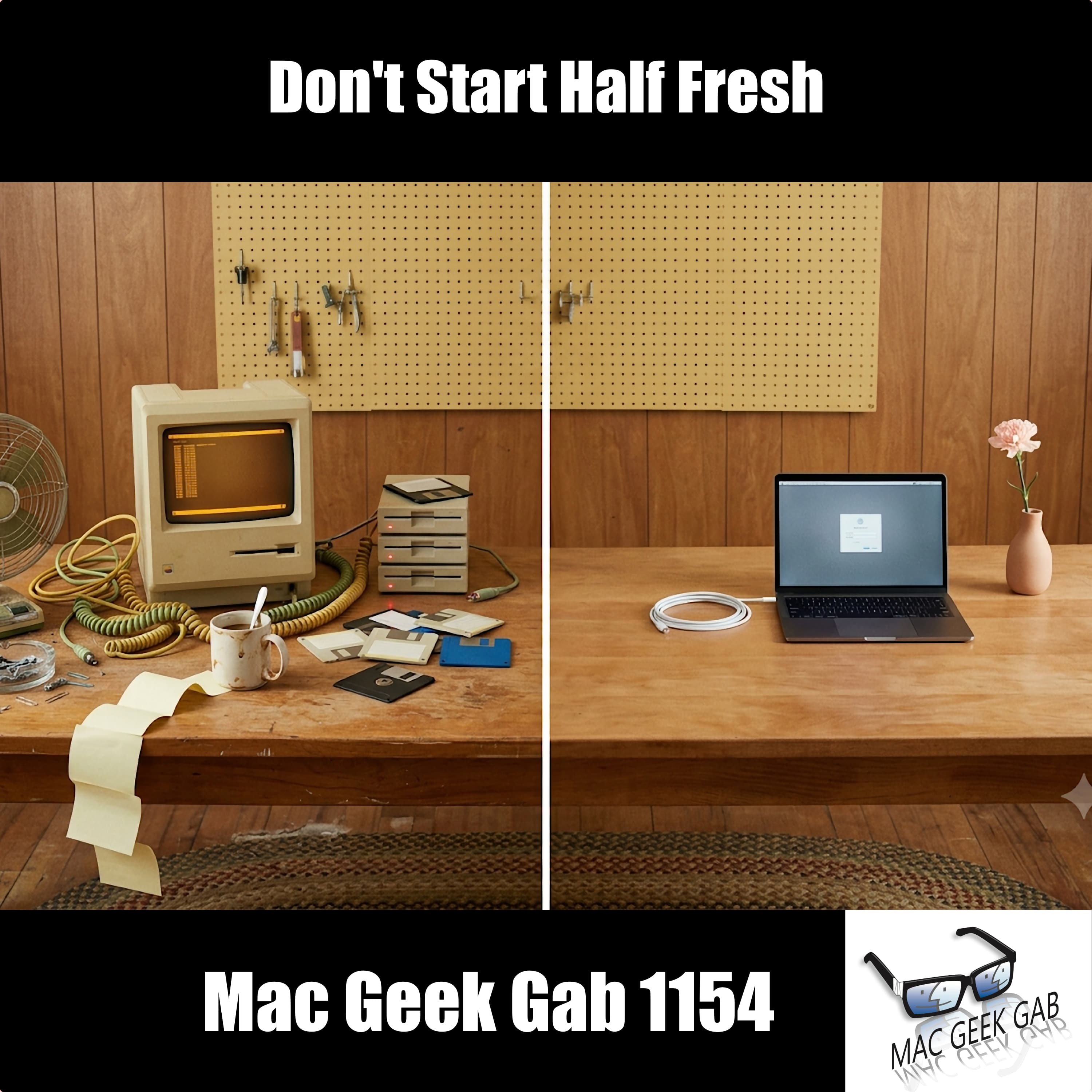
Don't Start Half Fresh

You’ll start with a travel charger that swallows 200-plus countries into one brick, then find out that macOS Tahoe 26.6 is quietly rebuilding your Spotlight index to get ready for macOS 27…and hear the theory on why Apple wants that churn finished before you upgrade. You’ll get talked into finally looking at Raycast (with a nostalgia lap through Quicksilver, LaunchBar, and Alfred), meet Brett Terpstra’s TerminalWidget as the GeekTool replacement you’ve been waiting a decade for, and learn how Paperless-ngx in Docker can run your entire paperless workflow off a Mac or a Synology. There’s Type Switch for anyone living in two keyboard layouts, LibraryThing for the book hoarders, Nixbook for putting an operating system with guardrails on an old Mac, wallet tracker cards that double as digital business cards, and Tailscale Grants so the family you added to your tailnet can’t go wandering your whole network. You’ll also stop fighting the Sonos app and just AirPlay to your speakers, and pick up the Siri fix that ends the “did you mean” death spiral: answer “the first one,” not by repeating yourself. Then it gets real. You’ll sit in on the question every geek eventually faces: Migration Assistant or nuke and pave? You’ll hear why a half-fresh install is the worst of both worlds, how keeping the old machine alive on your network turns a scary afternoon into a safe one, and where to log in and reclaim those third-party licenses when you hit your device limit. You’ll learn what those “free credit monitoring after a breach” offers are actually worth, why freezing your credit at all three bureaus costs nothing by law no matter how hard they upsell you, and the surprise bonus that a credit lock also blocks buy-now-pay-later signups. And when your Synology Assistant app goes Intel-only, finds.synology.com finds your NAS from the browser. Five new things, minimum, so whatever this week throws at you, don’t get caught. 00:00:00 Mac Geek Gab 1154 for Monday, August 10th, 2026 August 10th: National Spoil Your Dog Day MGG Monthly Giveaway – Win a license to Yoink, Screenfloat, Transloader, or DeskMat from Eternal Storms Cool Stuff Found 00:00:01 John-CSF-Anker Nano Travel Plug Adapter for over 200 Countries 00:02:27 Hey there, Pilot Pete! 00:03:28 Allen-CSF-Raycast is the best app launcher, and it’s free! Alfred QuickSilver 00:07:11 macOS Tahoe 26.6 optimizes the Spotlight index to prepare for macOS 27 00:12:26 Jessi-CSF-TerminalWidget to replace GeekTool 00:14:58 Max-CSM-Type Switch for people who regularly type in more than one language 00:16:15 Paul-CSF-Paperless-NGX runs in a docker container 00:18:43 Mike-CSF-Pause Take9 00:19:57 Also…beware of recurring in-app purchases from scammy apps. 00:22:58 KingKelson-CSF-1130-LibraryThing for organizing books (and Kevin, too) 00:23:53 Don’t sleep on Sonos with AirPlay 00:28:02 Does Siri on HomePod get smarter with Apple Intelligence? 00:30:22 You can tell Siri AI “the first one” or “the third one” when it gives you an audible list of options for its (potential) translation of your commands 00:33:33 Siri AI is still misgendering people despite the update to their Contact record 00:35:42 Joel-CSF-Ridge Wallet Tracker Card Rolling Square AirCard 00:38:44 CSF-TOS 7.0 for TNAS— Full Native AI NAS OS (leveraging OpenClaw) 00:44:36 WillRun4Fun-CSF-Nixbook for putting linux on older Macs 00:47:04 Jonathan-Tailscale Grants allows you to control what your family can do Sponsor 00:50:13 SPONSOR: CleanMyMac. Get Tidy Today! Try 7 days free and use our code MACGEEK for 20% off at https://clnmy.com/MACGEEK Your Questions Answered – feedback@macgeekgab.com 00:52:29 Mark-Nuke and Pave vs. Partial Migration? 01:06:46 Andy-Should I take the credit monitoring service offers? PIlot Pete says: freeze your credit bureau accounts TransUnion Freeze Equifax Freeze Experian Freeze 01:13:21 Joe-How do I find my Synology server? 01:17:40 MacPaw and Liquid AI bring On-Device AI to Millions of Mac Users 01:18:48 iNET App for local scanning 01:19:47 MGG 1154 Outtro MGG Monthly Giveaway Bandwidth Provided by CacheFly Pilot Pete’s Aviation Podcast: So There I Was (for Aviation Enthusiasts) The Debut Film Podcast – Adam’s new podcast! Dave’s Business Brain (for Entrepreneurs) and Gig Gab (for Working Musicians) Podcasts MGG Merch is Available! Mac Geek Gab iOS app Mac Geek Gab YouTube Page Mac Geek Gab Live Calendar This Week’s MGG Premium Contributors MGG Apple Podcasts Reviews feedback@macgeekgab.com 224-888-GEEK Active MGG Sponsors and Coupon Codes List BackBeat Media Podcast Network

1 h 21 minAbspielen in:

Mo13Jul
Mac Geek Gab — Apple Tips, Tricks, and Troubleshooting

Mac Geek Gab — Apple Tips, Tricks, and TroubleshootingHost

Reclaim Your Storage: iCloud, RAM & Space-Saving Secrets

This week on Mac Geek Gab 1150, Pilot Pete, Adam Christianson, and Dave Hamilton pack an Embrace Your Geekness Day episode with Quick Tips you’ll put to work immediately. You’ll learn how to schedule birthday messages so you never miss one, silence those pesky automatic Shortcuts notifications, and give Apple Intelligence the context it needs to actually help. From automating Theater Mode the moment CarPlay connects, to using your iPhone to check for ticks, to texting “Marco” so your lost iPhone sings until you find it, these are the tips that keep you sharp. You’ll also dig into searching Safari history to retrace your steps, building Smart Folders to hunt down space-hogging files, and using Photos’ Map utility to surface shots from wherever you are. Then it’s your questions, answered. You’ll find out how to identify and clear runaway RAM, where Messages in the Cloud actually lives, and how to reclaim iCloud storage with tools like PowerPhotos and Gemini 2. You’ll get the real story on Time Machine drives and Spotlight, plus how to speed up sluggish Notes syncing. In Cool Stuff Found, the crew serves up Catchin’ Sync, the OBSBOT Tiny 3 webcam, Hyperspace for reclaiming space with file clones, and imessage-exporter to back up your texts. It’s an hour-plus of geek gold, and if you tune in every week, you Don’t Get Caught missing the fix you needed. 00:00:00 Mac Geek Gab 1150 for Monday, July 13th, 2026 July 13th: Embrace Your Geekness Day MGG Monthly Giveaway – Win a license to Mole Quick Tips 00:00:01 Jim-QT-Schedule Sending of Birthday Messages 00:04:16 JT Ray-QT-Disable automatic Shortcuts notifications 00:06:33 QT-Apple Intelligence and its context 00:09:26 Todd-Automate Theater Mode when CarPlay is enabled 00:10:44 Troy-QT-Use your iPhone to check for ticks 00:12:49 Larry-QT-Text Marco to your lose iPhone and have it play a song until you find it 00:18:31 Andy-QT-Search Safari’s History to find places you’ve visited 00:20:12 KiwiGraham-QT-Setup Smart Folders to find large files 00:23:38 Greg-QT-Use Photos > Utilities > Map to find photos in your current location (and elsewhere) Sponsors 00:26:42  SPONSOR: Helix Sleep makes premium mattresses and bedding that are customized to fit your personal needs, and conveniently shipped to your door. Go to https://helixsleep.com/MGG for 27% Off Sitewide. 00:27:50 SPONSOR: CleanMyMac. Get Tidy Today! Try 7 days free and use our code MACGEEK for 20% off at https://clnmy.com/MACGEEK 00:29:02 SPONSOR: OneSkin. Born from over a decade of longevity research, OneSkin’s OS-01 Peptide is proven to target the visible signs of aging, helping you unlock your healthiest skin now and as you age. Get 15% off OneSkin with the code MGG at https://www.oneskin.co/MGG  #oneskinpod #ad Your Questions Answered and Tips Shared! 00:30:31 Bill-1148-How do you identify and clear up RAM usage? iStat Menus Marco Arment’s Quitter 00:39:23 Gary-1149-Where can I see Messages In The Cloud? 00:44:17 Roy-How can I clean up my iCloud storage? PowerPhotos Gemini 2, the duplicate finder (and “similar finder”) 00:53:25 Bill-1148-Turns out you can’t exclude Time Machine drives from Spotlight 00:56:51 Henry-1148-Speeding Up Notes Syncing Cool Stuff Found 01:01:20 Andy-1149-CSF-Catchin’ Sync 01:02:15 Andy-CSF-Obsbot Tiny3 Webcam 01:08:53 Harvey-CSF-Hyperspace to use file clones to save space 01:11:44 Chris-CSF-1149–imessage-exporter to export your iMessages 01:17:42 MGG 1150 Outtro MGG Monthly Giveaway Bandwidth Provided by CacheFly Pilot Pete’s Aviation Podcast: So There I Was (for Aviation Enthusiasts) The Debut Film Podcast – Adam’s new podcast! Dave’s Business Brain (for Entrepreneurs) and Gig Gab (for Working Musicians) Podcasts MGG Merch is Available! Mac Geek Gab iOS app Mac Geek Gab YouTube Page Mac Geek Gab Live Calendar This Week’s MGG Premium Contributors MGG Apple Podcasts Reviews feedback@macgeekgab.com 224-888-GEEK Active MGG Sponsors and Coupon Codes List BackBeat Media Podcast Network
1 h 20 minAbspielen in:

Mo22Jun
Mac Geek Gab — Apple Tips, Tricks, and Troubleshooting

Mac Geek Gab — Apple Tips, Tricks, and TroubleshootingHost

One Exclamation Point Short

Ever triggered a hidden Mac feature by accident? This week you’ll find out why a stray backtick fires up the Magnifier in macOS Preview, and how a single screenshot plus built-in OCR can lift text straight out of an image (even if that Wi-Fi password still refuses to cooperate). You’ll grab the trick for sharing your network as a scannable QR code from the Passwords app, learn why YouTube TV blocks video over screen sharing in Chrome while Safari sidesteps it, and untangle guest-mode quirks on Apple Vision Pro. From Touch ID suddenly demanding your password to a backup SSD that swears it’s still In Use, you’ll walk away with the Terminal commands and fixes to set things right. Then you’ll map your next move off a MacBook Air, weighing an M4 Mac mini against an iMac and stalking the refurb store for the right deal. You’ll set HomeKit lights to fade in with sunrise, audit your Tailscale network for sloppy permissions, breathe easier with a tested air purifier, and give that retired iPad a whole second life. And when something mysteriously stops working, Don’t Get Caught burning two hours blaming software for what turns out to be a cable you quietly swapped out: check your cables first. Hit play, load up on tips, and head into your week a little geekier. 00:00:00 Mac Geek Gab 1147 for Monday, June 22nd, 2026 00:03:35 June 22nd: National Onion Ring Day MGG Monthly Giveaway – Win a license to SaneBox Quick Tips 00:00:01 Susan-QT-macOS Preview has a magnifier in Tools > Show Magnifier 00:03:53 Use the backtick to invoke Magnifier in Preview 00:06:15 Dave-QT-Take a picture or screenshot to OCR text within an image 00:11:32 YouTube TV doesn’t allow video when the screen is being shared…in Chrome …But Safari might let it (it certainly does with Fubo) 00:13:29 Screen Mirroring vs. Apple Vision Pro 00:15:21 QT-KiwiGraham-Passwords app allows you to show a QR code of current wifi network 00:17:31 Bill-1146-Why not use the Apple TV app’s download abilities? Sponsors 00:19:41 SPONSOR: Even Realities G2. Use promo code MGG at evenrealities.com to get 10% off Even Ring 1 and/or Even Clip when you add them to your Even G2 order. 00:21:49 SPONSOR: Scribe. Don’t get caught being the only person who knows how something works. For a limited time, book a demo at scribe.how/MGG and mention MGG for your first month of Scribe Capture free. 00:23:52 SPONSOR: NordLayer Browser. The business browser built for how modern work actually happens — giving IT the visibility and control to secure SaaS, stop phishing, and prevent data leaks right at the source. Your Questions Answered and Tips Shared! 00:24:54 Jim-Moving from a MacBook Air to…what next? Set alerts for refurbs at RefurbMe 00:38:14 Joe-HomeKit Light That Fades In and Out Philips Hue Lights Philips Hue Bridge to use HomeKit LIFX Bulbs 00:43:00 MACGEEKGAB to save $50 at Macstock 00:46:32 Richard Davis-Why does Touch ID tell me I need to type my password? If Touch ID isn’t working on your Mac 00:50:00 Todd-?-How to eject an SSD backup drive that’s mysteriously “In Use” sudo mdutil -i off “/Volumes/[Drive Name]” lsof | grep “[Drive Name]” Cool Stuff Found 00:58:52 CSF-Matt from Midlothian-Quip, the clipboard manager, has Capture Text from Screen as a feature 00:59:39 CSF-Winix 5510 Air Purifier 01:02:44 Alexander-CSM-Reevio takes stills and turns them into morphed videos Examples of Adam, Dave, and Pete 01:07:49 Kent-CSF-DAKBoard–1121-Use for an Old iPad – No Coding Required 01:09:26 Steve-CSF-iFramix – A Frame for your old iPad! 01:11:38 Johannes-CSF-Super Productivity – Free! 01:13:04 Arvy-CSF-Tailsnitch does a security audit on your Tailscale Tailnet Don’t Get Caught 01:14:20 RollingTux-DGC-Cables are often the Culprit! 01:16:20 MGG 1147 Outtro MGG Monthly Giveaway Bandwidth Provided by CacheFly Pilot Pete’s Aviation Podcast: So There I Was (for Aviation Enthusiasts) The Debut Film Podcast – Adam’s new podcast! Dave’s Business Brain (for Entrepreneurs) and Gig Gab (for Working Musicians) Podcasts MGG Merch is Available! Mac Geek Gab iOS app Mac Geek Gab YouTube Page Mac Geek Gab Live Calendar This Week’s MGG Premium Contributors MGG Apple Podcasts Reviews feedback@macgeekgab.com 224-888-GEEK Active MGG Sponsors and Coupon Codes List BackBeat Media Podcast Network
1 h 18 minAbspielen in:

Mo11Mai
Mac Geek Gab — Apple Tips, Tricks, and Troubleshooting

Mac Geek Gab — Apple Tips, Tricks, and TroubleshootingHost

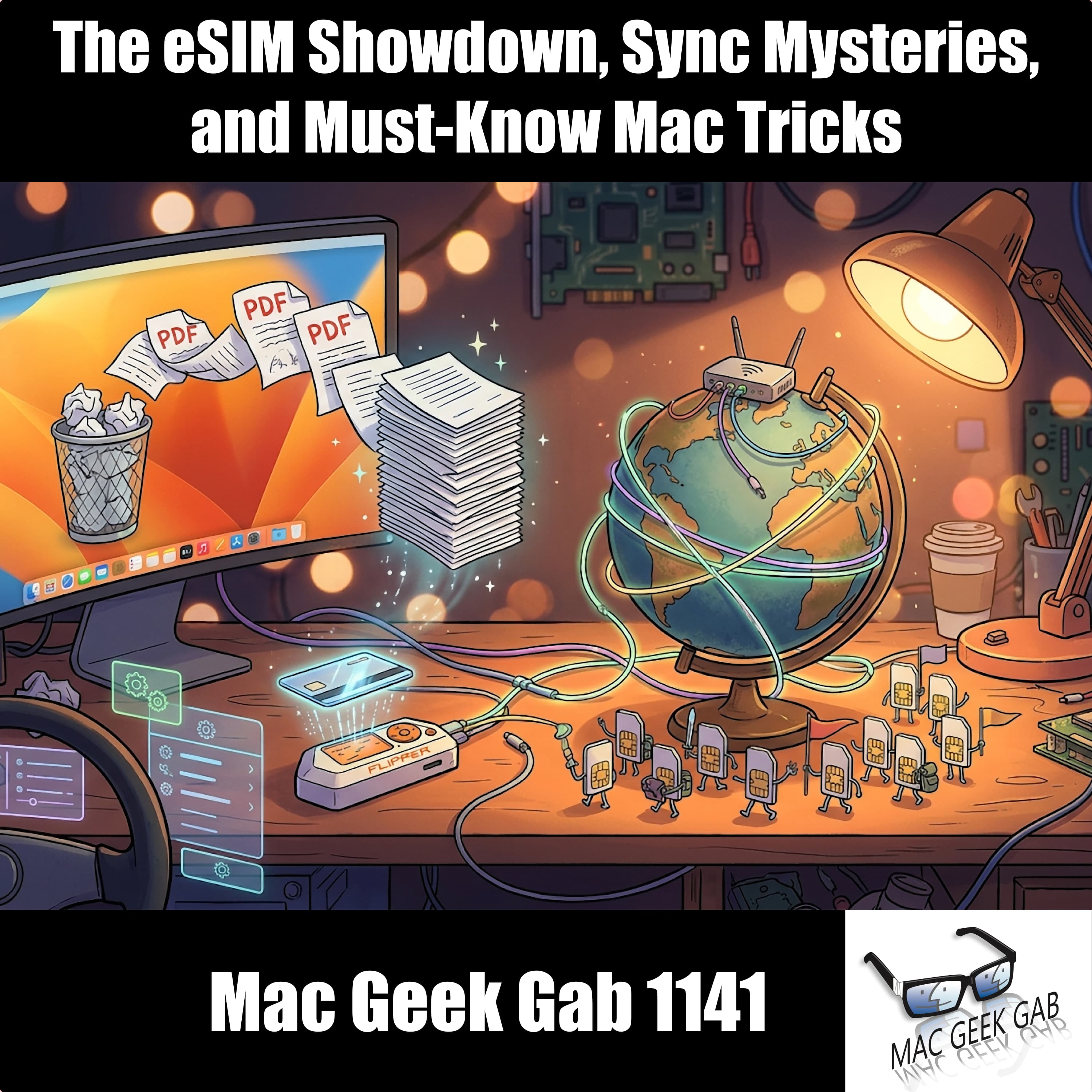
The eSIM Showdown, Sync Mysteries, and Must-Know Mac Tricks

Buckle up, geeks! This week’s Quick Tips have you refreshing the App Store like a pro, turning Finder’s Quick Actions into a PDF-combining powerhouse, swiping that iOS cut/copy/paste bar like a power user, and finally taming horizontal scrolling on your non-Apple mouse. Then it’s tales from the road: Adam wrestles eSIMs into submission with a Starlink cameo, Linda accidentally invents her own ISP, Mint Mobile’s tablet plan steps into the spotlight, and Dave shares what he learned from TP-Link about the FCC saga you’ll want in your ears before your next router purchase. Your questions get the full treatment, too. VaShaun learns how to keep his SSID intact when switching providers (including travel router magic!), Jim battles a stubborn Trash with rm, lsof, and fuser so you Don’t Get Caught staring at undeletable files, and GW finally gets a straight answer on why sync is so hard. Cool Stuff Found rounds it out with WhiteScreen.Online turning your devices into panel lights, Zenringer landing at half price, the Basic Bookmark Checker tidying your digital life, the Flipper Zero cloning whatever’s clonable, and the OBDEleven gen 3 unlocking your car’s hidden settings. Hit play and geek out. 00:00:00 Mac Geek Gab 1141 for Monday, May 11th, 2026 May 11th: National Technology Day MGG Monthly Giveaway – Enter to win a Function101 Apple TV Button Remote The MGG Merch Store is Live! Quick Tips 00:00:01 Michael-QTR-Refresh Appstore Update 00:03:00 Bill-QT-Making a PDF with “Quick Actions” Menu in Finder Apple Support Combine PDFs 00:05:30 Lucas from Chicago-QT-Swipe the bar/menu of cut/copy/paste options on iOS 00:07:16 ACTUALLY combining PDFs on the Mac in the Finder Combine files into a PDF on Mac (in Finder) 00:09:12 David-QT-Horizontal Scrolling with a Non-Apple Mouse! Stories from Travels 00:11:43 Adam and The eSIM Starlink Internet eSIMDB US Mobile 00:21:51 LindaNET (because Linda had a DSL line and resold her high speed internet) 00:22:32 Mint Mobile Tablet Plan 00:26:04 Dave vs. TP-Link and The FCC Sponsors 00:28:00 SPONSOR: CarGurus. Meet CarGurus Discover, a new search feature where you can look for vehicles based on the way you think—using your own words. No more being boxed in by filters. Check it out at https://cargurus.com/ 00:29:11 SPONSOR: NordLayer Browser. The business browser built for how modern work actually happens — giving IT the visibility and control to secure SaaS, stop phishing, and prevent data leaks right at the source. 00:30:08 SPONSOR: CleanMyMac. Get Tidy Today! Try 7 days free and use our code MACGEEK for 20% off at clnmy.com/MACGEEK Your Questions Answered and Tips Shared! 00:31:30 VaShaun-Can I Keep my SSID when I get a new provider? Use your home’s same SSID/password on your travel router so everything connects all the time 00:39:01 Jim-How do I empty a stubborn Trash on my Mac? rm vs. rmdir vs. rm -rf sudo lsof +D /path/to/folder sudo fuser -v /path/to/folder Command-Shift-Period in Finder shows hidden files 00:50:27 GW-Why is Sync “Hard?” Cool Stuff Found 00:58:11 Stephen-CSF-WhiteScreen.Online turns your device into a panel light 01:01:12 Michael-CSM-Zenringer (link gets you half price for MGG listeners) 01:02:16 Donald-CSM-1128-Basic Bookmark Checker to clean things up! 01:03:13 Rob in STL-CSF-Flipper Zero for cloning (your?) badges and more 01:06:34 Richard-CSF-1111-ODBEleven gen 3 for tweaking your car’s settings 01:09:11 MGG 1141 Outtro MGG Monthly Giveaway Bandwidth Provided by CacheFly Pilot Pete’s Aviation Podcast: So There I Was (for Aviation Enthusiasts) The Debut Film Podcast – Adam’s new podcast! Dave’s Business Brain (for Entrepreneurs) and Gig Gab (for Working Musicians) Podcasts MGG Merch is Available! Mac Geek Gab iOS app Mac Geek Gab YouTube Page Mac Geek Gab Live Calendar This Week’s MGG Premium Contributors MGG Apple Podcasts Reviews feedback@macgeekgab.com 224-888-GEEK Active MGG Sponsors and Coupon Codes List BackBeat Media Podcast Network

1 h 11 minAbspielen in:

Mo27Apr
Mac Geek Gab — Apple Tips, Tricks, and Troubleshooting

Mac Geek Gab — Apple Tips, Tricks, and TroubleshootingHost

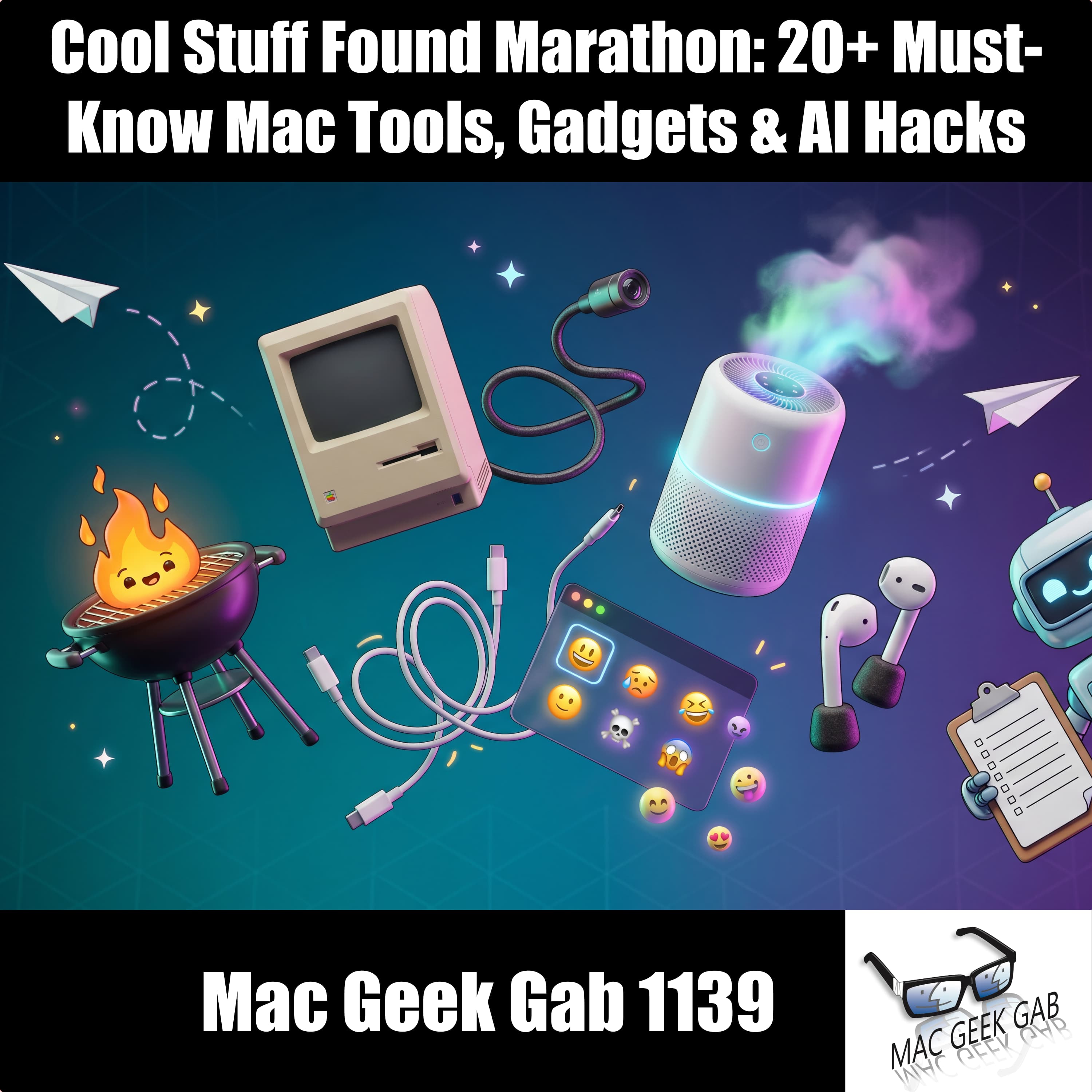
Cool Stuff Found Marathon: 20+ Must-Know Mac Tools, Gadgets & AI Hacks

This week’s episode is a Cool Stuff Found marathon, packed with gems you need to bookmark. You’ll get a launcher upgrade with TinyStart, a slick dual-pane file manager in VoidCommander, T-Mobile router control via HINTControl, and a borescope camera Pilot Pete can’t stop talking about. Dave hauls in a clamp-on desk power strip, the Levoit EverestAir-P purifier, and the Airversa AP2, while Adam fires up his Pit Boss combo grill. You’ll also hear about AirPod foam tips that actually stay put, a surprising detour into the evolution of lifetime warranties, and why LTT’s TrueSpec USB cables might finally end your “does this cable do everything?” guessing game. On the AI front, you’ll dig into building SKILLS.md files for your agents, a HomeAssistant MCP server, and the Plaud NotePin S for capturing ideas on the go. Round it out with the Audigo pocket recording studio, a new Steve Jobs biography covering the NeXT years, leather DavisCase iPhone cases, the Smartlet One dual watchband, and Akko Insurance for when things go sideways. Don’t Get Caught missing a single tip. Hit play, take notes, and grab your chance at a free year of Plex Pass in this month’s giveaway. 00:00:00 Mac Geek Gab 1139 for Monday, April 27th, 2026 April 27th: World Pinhole Photography Day MGG Monthly Giveaway – Enter to win a Plex Pass for a Year Congrats to March’s SoundSource winners: Ian, Robert, and Jeff The MGG Merch Store is Live! Cool Stuff Found 00:00:01 Dan DXZDB-CSF-TinyStart, a launcher and emoji picker 00:04:05 MenuMeters 00:04:29 Istvan-CSM-VoidCommander, a dual-pane file manager for Mac Use VOID40 for 40% off 00:06:35 Paul-CSF-1138-HINTControl to control your T-Mobile Home Internet router 00:07:44 Uncle Jamie-CSF-CalCs adds Calendar Complications for Apple Watch 00:09:13 Steven-CSF-Blip for Dropbox File Transfer to External Drives 00:11:43 Adam-CSF-Pit Boss Competition Series 1230CS1 Combo Grill 00:15:40 Pilot Pete-CSF-Teslong Borescope Camera 00:19:25 Dave-CSF-Anker Clamp-on-Desk Power Strip 00:23:54 Ben-CSF-CharJenPro Air Foam Airpod Ear Tips Comply Foam Tips for AirPods 00:27:49 The Evolution of Lifetime Warrantees LLBean Craftsman 00:29:32 Dave-CSF-Levoit EverestAir-P purifier 00:32:52 Dave-CSF-Airversa AP2 00:33:36 AirDoctor 00:32:20 Hector D. Byrd 00:37:34 Sensibo Smart HEPA Filters Sponsors 00:38:31 SPONSOR: NordLayer Browser. The business browser built for how modern work actually happens — giving IT the visibility and control to secure SaaS, stop phishing, and prevent data leaks right at the source. 00:39:48 SPONSOR: Gusto. Get three months free when you run your first payroll when you start at gusto.com/MGG 00:41:02 SPONSOR: BBEdit, the power tool for text from Bare Bones Software; now with integrated Notebooks and extended language support. MOAR Cool Stuff Found 00:42:18 Chris-CSF-Plaud NotePin S note-taker 00:45:14 Steve Hammond-CSF-HomeAssistant MCP server 00:47:45 Todd-CSF-Mac Power Users 841 re: teaching AI skills Robot Assistant Field Guide 00:52:07 Building SKILLS.md files for your AI Agents 00:54:34 QT-Google Docs will show you Google-search-suggested links only if you’re logged in Even MORE CSF 00:55:42 CSF-Audigo – Pocket-sized recording studio. Single mic: $249, and you can use up-to-four at once 01:00:49 Eddie-CSF-LTT TrueSpec USB Cables Dave’s The USB/Thunderbolt cables Dave travels with that support “everything” 01:09:17 Andrew-CSF-Steve Jobs in Exile – The Untold Story of NeXT, and the Remaking of an American Visionary 01:11:08 Hans-CSF-DavisCase leather iPhone cases 01:13:39 Kent-CSF-Prestige iPhone Case ESR Screen Protector 01:16:16 Bob-CSF-Smartlet One Classic dual watchband to wear Apple Watch and another watch 01:19:36 Jeff-CSF-Akko Insurance Recommended by a Repair Professional – CrackedGadgets.com 01:22:09 MGG 1139 Outtro MGG Monthly Giveaway Bandwidth Provided by CacheFly Pilot Pete’s Aviation Podcast: So There I Was (for Aviation Enthusiasts) The Debut Film Podcast – Adam’s new podcast! Dave’s Business Brain (for Entrepreneurs) and Gig Gab (for Working Musicians) Podcasts MGG Merch is Available! Mac Geek Gab iOS app Mac Geek Gab YouTube Page Mac Geek Gab Live Calendar This Week’s MGG Premium Contributors MGG Apple Podcasts Reviews feedback@macgeekgab.com 224-888-GEEK Active MGG Sponsors and Coupon Codes List BackBeat Media Podcast Network

1 h 24 minAbspielen in:

Mo20Apr
Mac Geek Gab — Apple Tips, Tricks, and Troubleshooting

Mac Geek Gab — Apple Tips, Tricks, and TroubleshootingHost

Mesh Networks, iCloud Bandwidth Fixes, and Must-Know Mac Tips

This week on Mac Geek Gab 1138, Pilot Pete, Adam, and Dave tackle your burning questions and deliver the tips that keep your tech humming. You’ll learn how to properly delete images from your iPhone, sort out mesh networking headaches with T-Mobile, and decide whether Updatest and HomeBrew belong in your app-updating toolkit (spoiler: brew install topgrade is a game-changer). Struggling with limited bandwidth? TripMode lets you pause iCloud downloads on demand. Plus, the crew digs into why Plex Remote Access suddenly quit working and how Claude Code can help you recompile apps on the fly. The quick tips are stacked this week: skip the remount dance by using Finder Sidebar for network shares, generate QR codes straight from your clipboard, and tap Show Highlights in Notes to track edits. Listener Dave’s keyboard shortcut (Left-Control + Left-Command + Right-Shift…and then power) will save your Mac from accidental restarts while cleaning the keyboard, and a Synology power supply swap might save your wallet. Don’t Get Caught slipping on the latest Apple Pay hack that drains accounts from locked iPhones, or blindsided by Backblaze now excluding iCloud Drive from backups. Round it out with tickIQ for tracking your mechanical watches, and you’ve got another solid episode in the books. 00:00:00 Mac Geek Gab 1138 for Monday, April 20th, 2026 April 20th: National Pineapple Upside-Down Cake Day MGG Monthly Giveaway – Enter to win a Plex Pass for a Year Congrats to March’s SoundSource winners: Ian, Robert, and Jeff The MGG Merch Store is Live! Your Questions Answered and Tips Shared! 00:03:42 Gary-How do I delete images from my iPhone? 00:09:05 Jim-Which Mesh setup will work with my home and TMobile? 00:21:20 Ian-Is Updatest (and HomeBrew) good for updating apps? 00:23:35 Using Claude Code to recompile apps brew upgrade brew install topgrade 00:29:05 GW-How to Pause an iCloud Download when bandwidth is limited? TripMode 00:38:02 Dr. Brad-Why did Plex Remote Access stop working Plex Support Forum – for Plex Media Server Sponsors 00:45:22 SPONSOR: CarGurus. Meet CarGurus Discover, a new search feature where you can look for vehicles based on the way you think—using your own words. No more being boxed in by filters. Check it out at https://cargurus.com/ 00:46:41 SPONSOR: OneSkin. Born from over a decade of longevity research, OneSkin’s OS-01 Peptide is proven to target the visible signs of aging, helping you unlock your healthiest skin now and as you age. Get 15% off OneSkin with the code MGG at https://www.oneskin.co/MGG  #oneskinpod #ad 00:48:19 SPONSOR: Shopify. In 2026, stop waiting and start selling with Shopify. Sign up for your one-dollar-per-month trial and start selling today at https://Shopify.com/MGG Quick Tips 00:00:01 Jeff-QT-Instead of remounting network shares, just use the Finder Sidebar 00:49:56 Peter-QT-Shortcut to create a QR Code from Clipboard Contents. 00:51:51 QT-Show Highlights in Notes.app to see who edited the Note and when 00:54:09 Dave-Use Left-Control, Left-Command, + Right-Shift to keep your Mac from accidentally restarting KeyboardCleanTool 00:57:50 JP-QT-Synology Power Supply May Be Cheaper Repair Option Don’t Get Caught 01:02:05 DGC-Can you steal $$ from a locked iPhone? This Apple Pay Hack Can Drain Your Account Without Unlocking Your iPhone 01:11:03 Paul-DGC-Backblaze now excludes iCloud Drive Cool Stuff Found 01:14:13 DLH-CSF-tickIQ to measure and track your mechanical watches 01:18:26 MGG 1138 Outtro MGG Monthly Giveaway Bandwidth Provided by CacheFly Pilot Pete’s Aviation Podcast: So There I Was (for Aviation Enthusiasts) The Debut Film Podcast – Adam’s new podcast! Dave’s Business Brain (for Entrepreneurs) and Gig Gab (for Working Musicians) Podcasts MGG Merch is Available! Mac Geek Gab iOS app Mac Geek Gab YouTube Page Mac Geek Gab Live Calendar This Week’s MGG Premium Contributors MGG Apple Podcasts Reviews feedback@macgeekgab.com 224-888-GEEK Active MGG Sponsors and Coupon Codes List BackBeat Media Podcast Network
1 h 20 minAbspielen in:

Mo13Apr
Mac Geek Gab — Apple Tips, Tricks, and Troubleshooting

Mac Geek Gab — Apple Tips, Tricks, and TroubleshootingHost

Why Your AI App Matters, What's Draining Your iPad & How TSA Digital ID Works

You’ve got quick tips galore this week: if your iPad battery’s draining mysteriously, your Apple Pencil might be the culprit, so pop it off when you’re not using it. Want custom emoji? Now you can create your own. LaunchBar fans, there’s a slick way to jump straight into System Settings, and if you’re self-hosting Bitwarden, the guys walk you through adding a local server with Cloudflare Tunnels. Pilot Pete also breaks down getting your digital ID working at TSA — and makes a compelling case that it’s actually more secure than handing over your physical license — plus there’s a look at TSA’s new Touchless ID system. On the AI side, if agentic browsing still makes you nervous, Dave and Pete have practical advice for easing in, and they dig into why the app you use matters just as much as the LLM behind it — including a look at Claude’s upcoming Mythos model. You’ll hear how to tighten your AI agent’s security awareness (Don’t Get Caught slipping on that one), use Comet to become the ultimate “Reply Guy,” let your LLM tell you which apps are available in Setapp, and even have your chatbot generate QR codes . Wrapping up, there’s a fix for Mail not seeing updated Contacts Groups, a cost breakdown of building your own 2026 27-inch iMac, and an honest conversation about whether Plex is getting worse. Press play and enjoy learning at least five new things, folks! 00:00:00 Mac Geek Gab 1137 for Monday, April 13th, 2026 April 13th: National Scrabble Day The MGG Merch Store is Live! MGG Monthly Giveaway – Enter to win a Plex Pass for a year! Congrats to March’s SoundSource winners: Ian, Robert, and Jeff Quick Tips 00:00:01 Ian-QT-1136-Apple Pencil can drain an iPad battery 00:03:37 PilotPete-QT-Create Your Own Emoji 00:06:24 Ben-1136-CSF-Use LaunchBar to launch System Settings 00:08:22 Adding a local Bitwarden server Cloudflare Tunnels Cloudflare Workers Uplock app for Apple Passwords 00:21:39 PilotPete-QT- getting digital ID to work at TSA & why it’s likely more secure than your license 00:25:59 TSA Touchless ID Sponsors 00:30:28 SPONSOR: CleanMyMac. Get Tidy Today! Try 7 days free and use our code MACGEEK for 20% off at clnmy.com/MACGEEK 00:32:01 SPONSOR: Pocket Hose. For a limited time, you can get a FREE pocket pivot and their 10-pattern sprayer with the purchase of ANY size Copper Head hose. Just text MGG to 64000. AI Side Quest 00:33:40 The Flora-Bama Club 00:35:59 Andy-What can I do if I’m not yet comfortable with agentic browsing? 00:41:20 Your AI app matters as much as the LLM 00:45:08 What’s up with Claude’s new Mythos LLM? 00:48:42 Jason-QT-Tighten Your AI Agent’s Security Awareness! 00:51:32 Using Comet to help you be “Reply Guy” 00:53:46 Todd-QT-Let your LLM tell you which apps you can get in Setapp 00:55:49 Roy-QT-Let your chatbot create QR codes iQR for QR Codes Your Questions Answered and Tips Shared! 00:58:33 Joe-Why is Mail not seeing my updated Contacts Group? 01:04:12 Brent-Cost breakdown of the 2026 27″ iMac 01:06:16 Matt-Is Plex getting worse? If so, can it get better? Emby Jellyfin 01:19:31 MGG 1137 Outtro MGG Monthly Giveaway Bandwidth Provided by CacheFly Pilot Pete’s Aviation Podcast: So There I Was (for Aviation Enthusiasts) The Debut Film Podcast – Adam’s new podcast! Dave’s Business Brain (for Entrepreneurs) and Gig Gab (for Working Musicians) Podcasts MGG Merch is Available! Mac Geek Gab iOS app Mac Geek Gab YouTube Page Mac Geek Gab Live Calendar This Week’s MGG Premium Contributors MGG Apple Podcasts Reviews feedback@macgeekgab.com 224-888-GEEK Active MGG Sponsors and Coupon Codes List BackBeat Media Podcast Network
1 h 22 minAbspielen in:

Mo6Apr
Mac Geek Gab — Apple Tips, Tricks, and Troubleshooting

Mac Geek Gab — Apple Tips, Tricks, and TroubleshootingHost

Healthier Than Doomscrolling

You get a rapid-fire run of Mac tips that actually make your daily workflow smoother instead of noisier. From finally being able to change your Gmail address and using Markdown to escape Apple Notes, to smarter ways to attach glass screen protectors, auto-mount network shares, prune that graveyard of old Bluetooth devices, and squeeze better battery life from your iPad Pro, this episode keeps you moving instead of doomscrolling. If you’re shopping monitors for a Mac mini, curious why Find My wants light, or looking to travel with the right iPhone car mount, you’ll walk away with practical, field-tested ideas you can apply immediately. Then you dive into a real-world warning shot: Adobe quietly touching your /etc/hosts file and what that means for taking control back on your own Mac so you Don’t Get Caught. You’ll also hear listener-vetted iPhone cases—from rugged bumpers and leather shells to newer clear cases that don’t yellow—so you can carry your iPhone with confidence and a bit more style. 00:00:00 Mac Geek Gab 1136 for Monday, April 6th, 2026 April 6th: New Beer’s Eve MGG Monthly Giveaway – Enter to win a Plex Pass for a Year Congrats to March’s SoundSource winners: Ian, Robert, and Jeff The MGG Merch Store is Live! 00:03:01 Grappling With The Weather Quick Tips 00:00:01 QT-You can now change your Google/Gmail username 00:04:47 Todd-QT-Use Markdown to migrate from Apple Notes Bear app’s instructions for migrating from Apple Notes 00:06:46 Clif-QT-Install Glass screen protectors in a steamy bathroom 00:09:33 Chris Powers-QT-Connect (more) Reliably to Network Shares on Startup Your Questions Answered and Tips Shared! 00:13:38 Greg in NC-How do I bulk-clean-up my Bluetooth devices? ToothFairy for macOS 00:20:17 QT-Bluetooth name changes are saved on the Bluetooth device, not on your iPhone 00:23:57 Randy Walker-How long should my iPad Pro 11″ M2 be able to hold a charge? CoconutBattery Low Power Mode Is it iCloud Syncing? 00:30:02 Larry-Which 5K monitor for my new Mac mini? Refurb LG UltraFine 5K – $799 ViewSonic VP2768-4k – $549 ViewSonic VP2788-5K – $929 Philips 4K UHD 27” – $499 (unavailable) BenQ PD2730S – $1,099 KTC 5K 27” – $549 LG 27UP850K-W 4K – $334 00:46:25 Joe-Why does Find My need light? 00:48:09 Leveraging Claude Code 00:50:08 Uncle Jamie-What iPhone car mount do you travel with? USB A to USB C Adapters iPhone Dash-mount Cradle Sponsors 00:56:39 SPONSOR: Gusto. Get three months free when you run your first payroll when you start at gusto.com/MGG Don’t Get Caught 00:57:59 Adam-DGC-Adobe Messed with My /etc/hosts file…and yours, too! Your Favorite iPhone Cases 01:06:09 Chris-CSF-Incipio Duo iPhone Case 01:07:17 NASANut-CSF-Spigen iPhone cases and screen protectors 01:09:20 Clif-The new, cheap clear cases don’t yellow like they used to 01:10:35 Dan-Wuwedo is a bumper/open case for $13 01:12:40 Thad-CSF-Check out Bullstrap Leather Cases 01:13:43 Todd-CSF-Nomad Leather Case and the case for screen protectors 01:15:26 Tony-CSF-Fierre Shann Leather iPhone Cases 01:17:18 CSF-Mujjo Leather iPhone Case 01:18:36 MGG 1136 Outtro MGG Monthly Giveaway Bandwidth Provided by CacheFly Pilot Pete’s Aviation Podcast: So There I Was (for Aviation Enthusiasts) The Debut Film Podcast – Adam’s new podcast! Dave’s Business Brain (for Entrepreneurs) and Gig Gab (for Working Musicians) Podcasts MGG Merch is Available! Mac Geek Gab iOS app Mac Geek Gab YouTube Page Mac Geek Gab Live Calendar This Week’s MGG Premium Contributors MGG Apple Podcasts Reviews feedback@macgeekgab.com 224-888-GEEK Active MGG Sponsors and Coupon Codes List BackBeat Media Podcast Network

1 h 21 minAbspielen in:

Mo16Mär
Mac Geek Gab — Apple Tips, Tricks, and Troubleshooting

Mac Geek Gab — Apple Tips, Tricks, and TroubleshootingHost

Geek Therapy

You get dropped right into geek therapy this week as you bounce from cult-favorite movies to Pixar shorts, then straight into practical Mac and iOS wins. You learn how to use the twenty-minute rule to bail on bad movies guilt-free, long-press your iPhone’s brightness to reveal Dark Mode and other hidden controls, and turn Live Listen into your stealth superpower for staying connected in noisy rooms. You also tighten up your iOS workflow by wrangling multiple photos, files, and links at once, and even rethink how often you actually need to say “Hey” to your devices. Don’t Get Caught missing the little system tweaks that make your Apple gear feel brand new again. From there, you dig into real-world listener problems and come away with a cleaner network, a smarter Mac, and a more resilient data setup. You troubleshoot eerie eero behavior and learn how to coax stubborn 2.4 GHz-only devices onto your Wi-Fi, then set your Mac to auto-launch apps on wake with tools like Keyboard Maestro and Advanced SleepWatcher. You untangle VPN weirdness, then go full NAS-ty with guidance on migrating to a new Synology and choosing the right model using MGG’s comparison as your roadmap. You wrap it all with Cool Stuff Found: Setapp’s new plans, rock-solid MailBackupX, US Mobile for nerdy cellular control, ForeverNotes for wrangling your brain, Titanium Software utilities, AppleCare+ plus Apple One savings, and TP-Link’s Wi-Fi Toolkit turning your iPhone or iPad into a pocket network analyzer. 00:00:00 Mac Geek Gab 1133 for Monday, March 16th, 2026 March 16th: Robert Goddard Day MGG Monthly Giveaway – Enter to win a copy of SoundSource from Rogue Amoeba! Congrats to February’s winners! The MGG Merch Store is Live! 00:03:39 Movie Reviews and Ratings RocketMan with Harland Williams Hoppers from Pixar Twenty Minute Rule for Movies Project Hail Mary Lego Quick Tips 00:00:01 Si-QT-Long press brightness to toggle Dark Mode and more 00:09:17 Joel-QT-Use Live Listen to stay in touch 00:11:25 Pilot Pete-QT-Multiple Photos, Files, Links handling in iOS 00:15:55 Do you still say Hey? Your Questions Answered and Tips Shared! 00:19:30 Larry-Eerie things going on with the Eero 00:29:04 Setting up eero for 2.4GHz devices 00:31:32 Father John-How can I launch an app when my Mac wakes up? Desktop Icon Manager Advanced SleepWatcher for macOS 00:38:04 Michael-Why US VPN issues? 00:41:05 Revelations During Geek Therapy Sponsors 00:47:38 SPONSOR: Pocket Hose. For a limited time, you can get a FREE pocket pivot and their 10-pattern sprayer with the purchase of ANY size Copper Head hose. Just text MGG to 64000. 00:49:10 SPONSOR: Sundays for Dogs. Every bite of Sundays is clean and made from real meat, fruits, and veggies, with no kibble. Stanley loves it! Go right now to sundaysfordogs.com/MGG50 and get 50% off your first order. Or, you can use code MGG50 at checkout. 00:50:43 SPONSOR: Tempo. For a limited time, Tempo is offering my listeners SIXTY PERCENT OFF your first box! Go to TempoMeals.com/MGG. Gettin’ NAS-ty 00:51:58 Patrick-How do I migrate my data to a new Synology? 01:00:47 Mike-Which Synology NAS should I buy? Comparing MGG-focused Synology NAS Cool Stuff Found 01:09:35 CSEvolved-Setapp adds new single-app purchase and subscription plans 01:12:07 Mark-CSF-MailBackupX to backup your Mail 01:13:01 Tony-CSF-US Mobile is built for nerds (Tony’s Referral Code: 6B9EAD23) 01:14:32 bbwerner on Threads-CSF-ForeverNotes for getting your notes in order 01:15:28 Niceville Steve-CSF-Titanium Software Utilities other than OnyX 01:16:41 Use AppleCare+ with Apple One to get bulk savings on AppleCare+ 01:20:21 CSF-Wi-Fi Toolkit from TP-Link for iPhone and iPad 01:21:24 MGG 1133 Outtro MGG Monthly Giveaway Bandwidth Provided by CacheFly Pilot Pete’s Aviation Podcast: So There I Was (for Aviation Enthusiasts) The Debut Film Podcast – Adam’s new podcast! Dave’s Business Brain (for Entrepreneurs) and Gig Gab (for Working Musicians) Podcasts MGG Merch is Available! Mac Geek Gab iOS app Mac Geek Gab YouTube Page Mac Geek Gab Live Calendar This Week’s MGG Premium Contributors MGG Apple Podcasts Reviews feedback@macgeekgab.com 224-888-GEEK Active MGG Sponsors and Coupon Codes List BackBeat Media Podcast Network

1 h 22 minAbspielen in: