How I AI
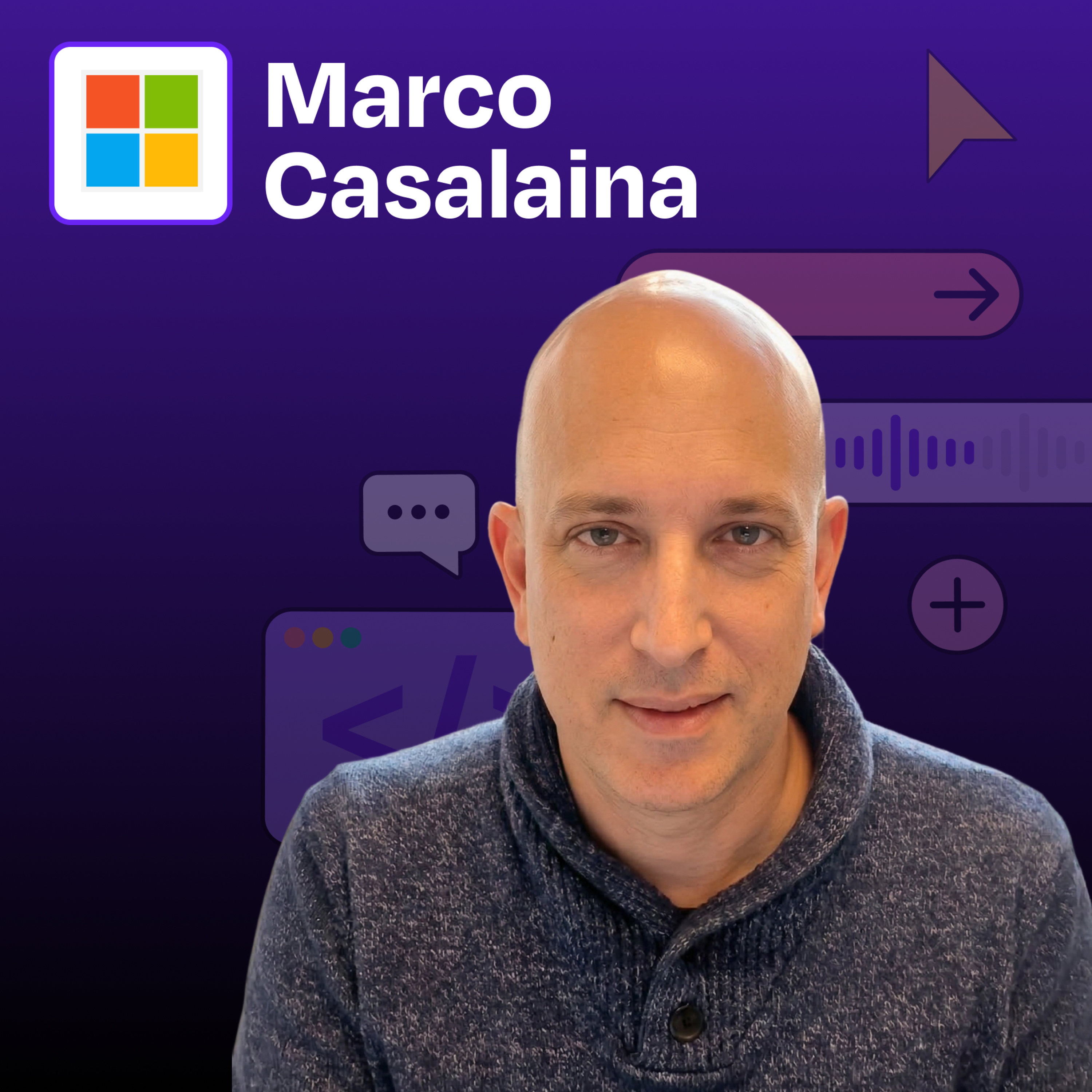
How Microsoft's AI VP automates everything with Warp | Marco Casalaina
Marco Casalaina, VP of Core AI Products and AI Futurist at Microsoft, demonstrates how he uses AI tools to automate administrative tasks that typically consume valuable time. Rather than using Warp as a coding assistant (its primary marketed purpose), Marco leverages it to manage Azure resources, scan documents, compress videos, and more. He shows how these “micro-agents” can reduce friction in everyday workflows, allowing him to focus on higher-value activities. Marco also demonstrates how Microsoft 365 Copilot and ChatGPT can create triggered workflows that respond to emails or check for information on a schedule, highlighting how the line between consuming and building AI agents is blurring. What you’ll learn: How to use Warp to manage Azure resources and assign permissions without navigating complex web interfaces Techniques for automating document scanning and processing directly from the terminal Methods for analyzing and compressing video files using AI-generated FFmpeg commands How to create simple rules that dramatically improve AI performance for specialized tasks Ways to build triggered workflows in Microsoft 365 Copilot that automatically respond to emails How to configure ChatGPT to perform scheduled tasks like checking for new content Strategies for creating consistent AI interactions using AutoHotkey shortcuts — Brought to you by: Rovo—AI that knows your business Lovable—Build apps by simply chatting with AI — In this episode, we cover: (00:00) Introduction to Marco Casalaina (02:14) Why Marco chose Warp for administrative tasks (03:57) Demo: Using Warp to manage Azure resources and permissions (06:00) How CLI tools eliminate GUI friction for complex tasks (07:18) Creating rules to improve AI performance for specialized tasks (10:28) Demo: Document scanning automation (13:00) Combining odd and even pages using a Python automation (15:04) The value of ephemeral AI solutions vs. permanent tools (17:12) Video compression using FFmpeg commands (20:22) The concept of “ad hoc agents” for specific tasks (22:31) Demo: Creating triggered workflows in Microsoft 365 Copilot (25:51) Demo: Setting up scheduled tasks in ChatGPT (27:17) How AI automation changes time management (29:14) Teaching AI skills to the next generation (30:30) Strategies for improving AI performance with AutoHotkey — Detailed workflow walkthroughs from this episode: • How Microsoft's AI VP Automates Everything with 5 Micro-Agent Workflows: https://www.chatprd.ai/how-i-ai/microsofts-ai-vp-automates-everything-with-5-micro-agent-workflows How to Create an Automated Meeting Scheduler with Microsoft • 365 Copilot: https://www.chatprd.ai/how-i-ai/workflows/how-to-create-an-automated-meeting-scheduler-with-microsoft-365-copilot • How to Scan and Merge Two-Sided Documents into a Single PDF with AI: https://www.chatprd.ai/how-i-ai/workflows/how-to-scan-and-merge-two-sided-documents-into-a-single-pdf-with-ai • How to Automate Azure User Role Management with AI in the Terminal: https://www.chatprd.ai/how-i-ai/workflows/how-to-automate-azure-user-role-management-with-ai-in-the-terminal — Tools referenced: • Warp: https://www.warp.dev/ • Microsoft Azure: https://azure.microsoft.com/en-us • Azure CLI: https://learn.microsoft.com/en-us/cli/azure/ • Microsoft 365 Copilot: https://www.microsoft.com/en-us/microsoft-365/copilot • ChatGPT: https://chat.openai.com/ — Other references: • NAPS2: https://www.naps2.com/ • PyPDF2: https://pypdf2.readthedocs.io/ • FFmpeg: https://ffmpeg.org/ — Where to find Marco Casalaina: LinkedIn: https://www.linkedin.com/in/marcocasalaina/ — Where to find Claire Vo: ChatPRD: https://www.chatprd.ai/ Website: https://clairevo.com/ LinkedIn: https://www.linkedin.com/in/clairevo/ X: https://x.com/clairevo — Production and marketing by https://penname.co/. For inquiries about sponsoring the podcast, email jordan@penname.co.